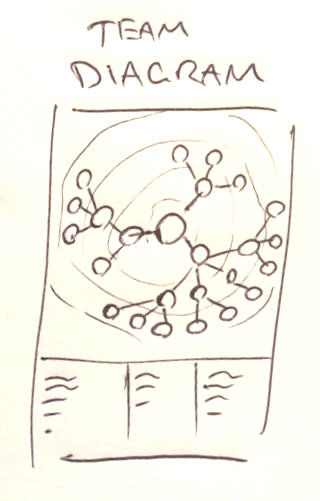
Team Diagram

Introduction

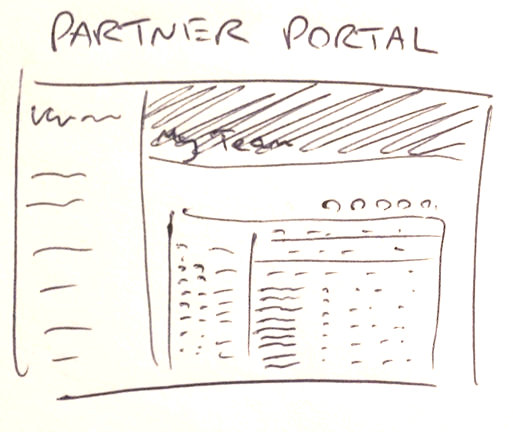
You, as a UW Partner, have access to the UW Partner Portal and within it, the Team page. When your team is small, it's real easy to see the structure within your team. But as it grows it gets increasingly harder to see where a Partner is in your team structure. Yes the Tree View helps but we humans are visual creatures, we like diagrams, not lists.

What is the alternative I hear you say. Let me introduce you to the Team-Diagram generator. As it says on the tin, it generates an easy to understand Diagram of your UW Team.
Why a Diagram?

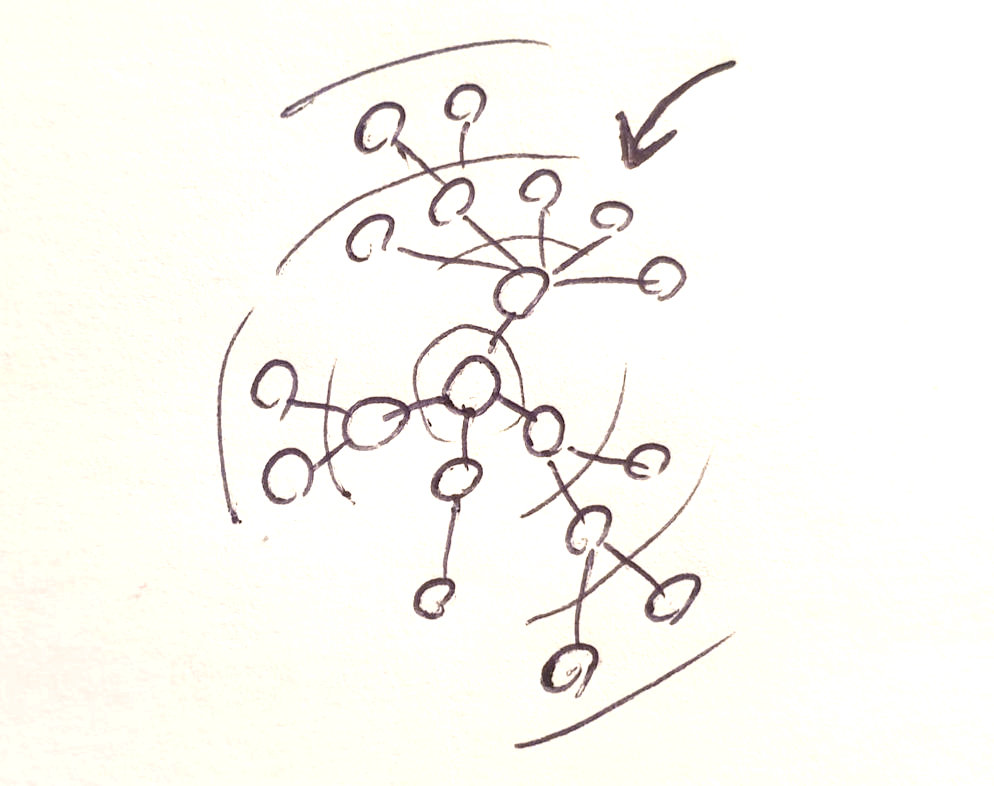
In a nutshell, because a diagram is a LOT easier to understand. If you have several hundred Partners in your Team, and you want to see how Billy from Bournemouth fits into your structure, a diagram is what you need. A picture paints a thousand words as they say. Convinced? Great! Click HERE to create an account (free). Wondering how this is done? Keep reading...

How does it Work?

Creating a Team-Diagram is a 2-stage process:

1) First the text from your Partner Portal Team page is entered into a box in this site where it is read and the needed info about your team members is extracted and condensed into a list.

2) The list is then used to create the diagram, as a printable PDF, that this website passes straight back to you. None of your team information is stored, it is only used while the diagram is being generated.

If you have any questions or concerns about how this is done, feel free to call me: 07941 073 663.